





Save public Facebook Reel videos with a clean, straightforward workflow. Copy the Reel link, paste it into the downloader, select an available option, and keep the video ready for permitted offline viewing.
What is a Facebook Reel downloader?
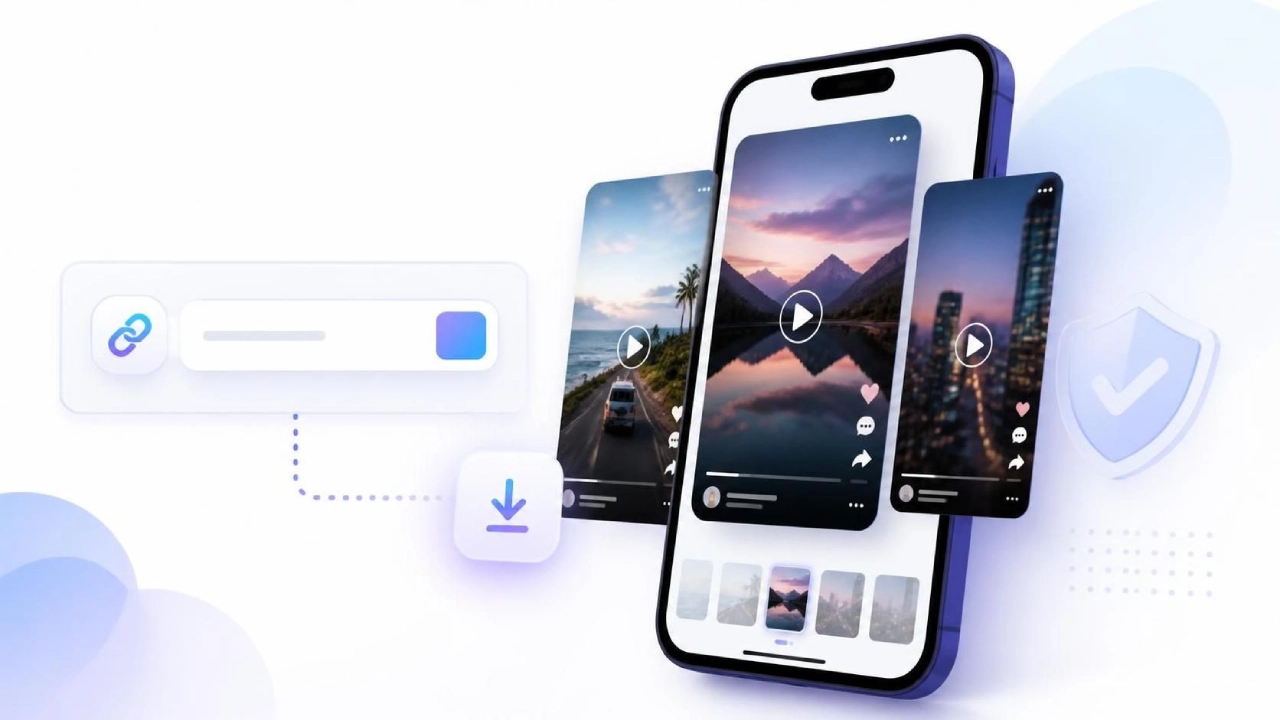
A Facebook Reel downloader is a link-based tool designed to help users save publicly accessible Reel videos for offline access. Instead of recording a screen or relying on complex software, users typically copy a Reel URL and use that link to begin the download process.
The goal is convenience: keep a video reference available when you need it, review creative examples later, or retain your own published content outside the social platform. A dependable workflow should be easy to understand, clear about what content it can process, and respectful of creator rights.
Built around a URL
The Reel link identifies the public video you want to process, reducing unnecessary steps.
Designed for public content
Private, restricted, deleted, or unavailable Reels may not be accessible through a public downloader.
Useful for reference
Saved Reels can support permitted personal review, content research, and archival of your own work.
No guesswork needed
A clear process helps you understand what to paste, what to select, and when to check the saved file.
A simple way to save Facebook Reels
The process is intentionally focused on a few practical actions. You do not need to describe the video manually or search by creator name when you already have the original Reel link.
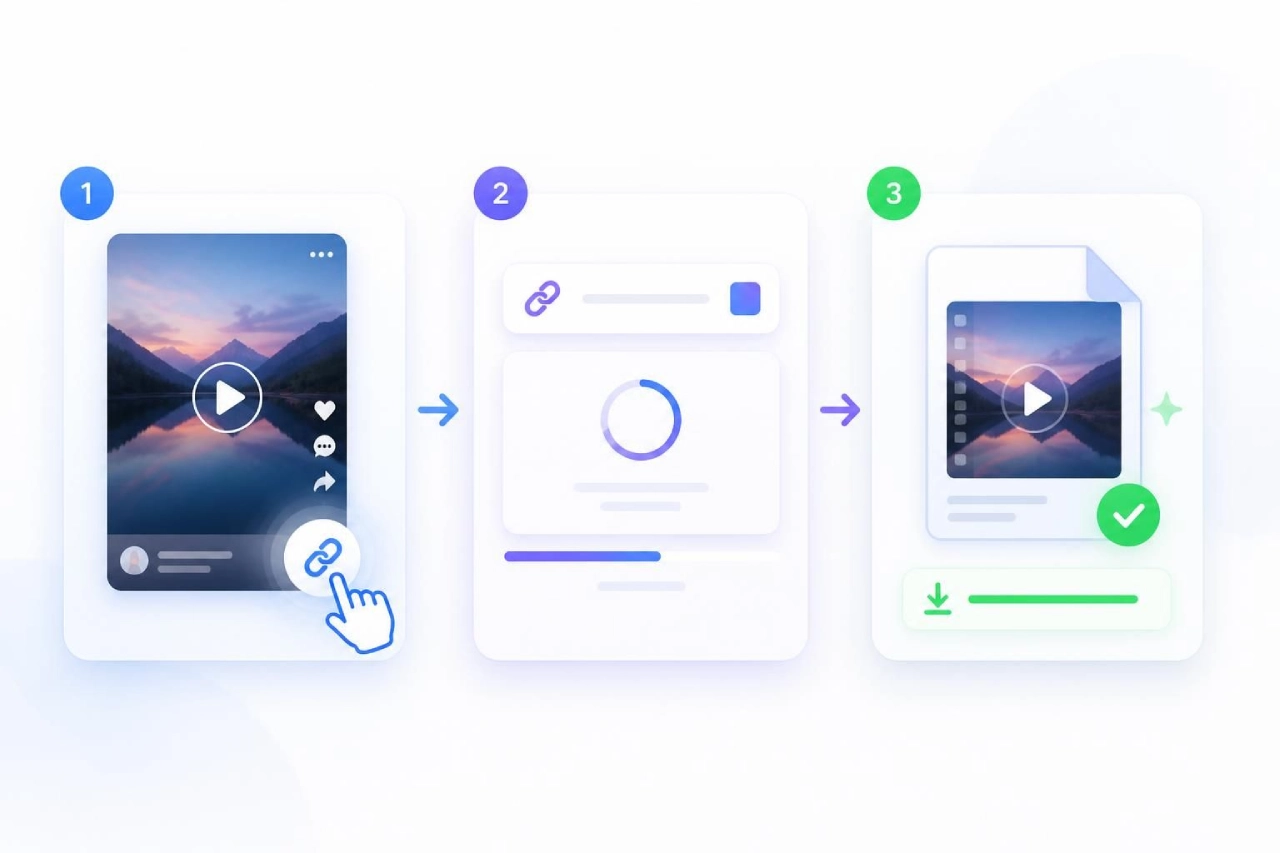
Find the public Reel
Open the Reel in Facebook and use the available sharing option to copy its link. Confirm that the URL points to the intended public video before continuing.
Add the Reel URL
Paste the copied link into the downloader input. Review the address for accidental spaces, incomplete text, or a link to a different Facebook post.
Choose and download
Select an available download option, then save the video to a location you can find later. Check the file before using it in any permitted workflow.
How to download Reels from Facebook responsibly
Before saving any video, make sure you have a legitimate reason to do so. The safest approach is to download your own content, content you have permission to use, or public video material for personal reference where applicable.
- 1
Open the Reel you want to save
Start from the exact Reel page or post, not a screenshot or a copied caption. The original link is the most useful input for an online Facebook Reel downloader.
- 2
Copy the shareable link
Use Facebook’s share controls to copy the URL. If the link does not open the correct Reel, return to Facebook and copy it again rather than proceeding with an uncertain address.
- 3
Paste the URL into the download field
Paste the complete URL exactly as copied. Avoid entering passwords, account credentials, or sensitive personal information into a downloader interface.
- 4
Review the result before saving
Verify that the displayed video matches the Reel you intended to save. When quality choices are available, choose the option that best fits your intended personal use and device storage.
Why save Facebook Reels for permitted use?
Saving a Reel can be practical when you need access without relying on a live feed or when you want to preserve your own original posts. The value comes from organization, convenience, and thoughtful content management—not from bypassing a creator’s control over their work.
Review creative references
Keep approved examples available for a future creative review, while giving proper credit and obtaining permission where required.
Archive your own Reels
Maintain an additional copy of content you created, especially when organizing brand assets or personal video libraries.
Prepare for offline viewing
A saved file can be easier to review when a stable connection is unavailable, subject to the content owner’s permissions.
Reduce repeated searching
When a Reel is relevant to your permitted workflow, saving it can make it easier to find later without navigating through feeds again.
Use downloaded Reels with care
A useful downloader should support a clear and ethical workflow. Prioritize videos you own or have approval to use, keep the original context intact when needed, and avoid treating public availability as unrestricted reuse permission.
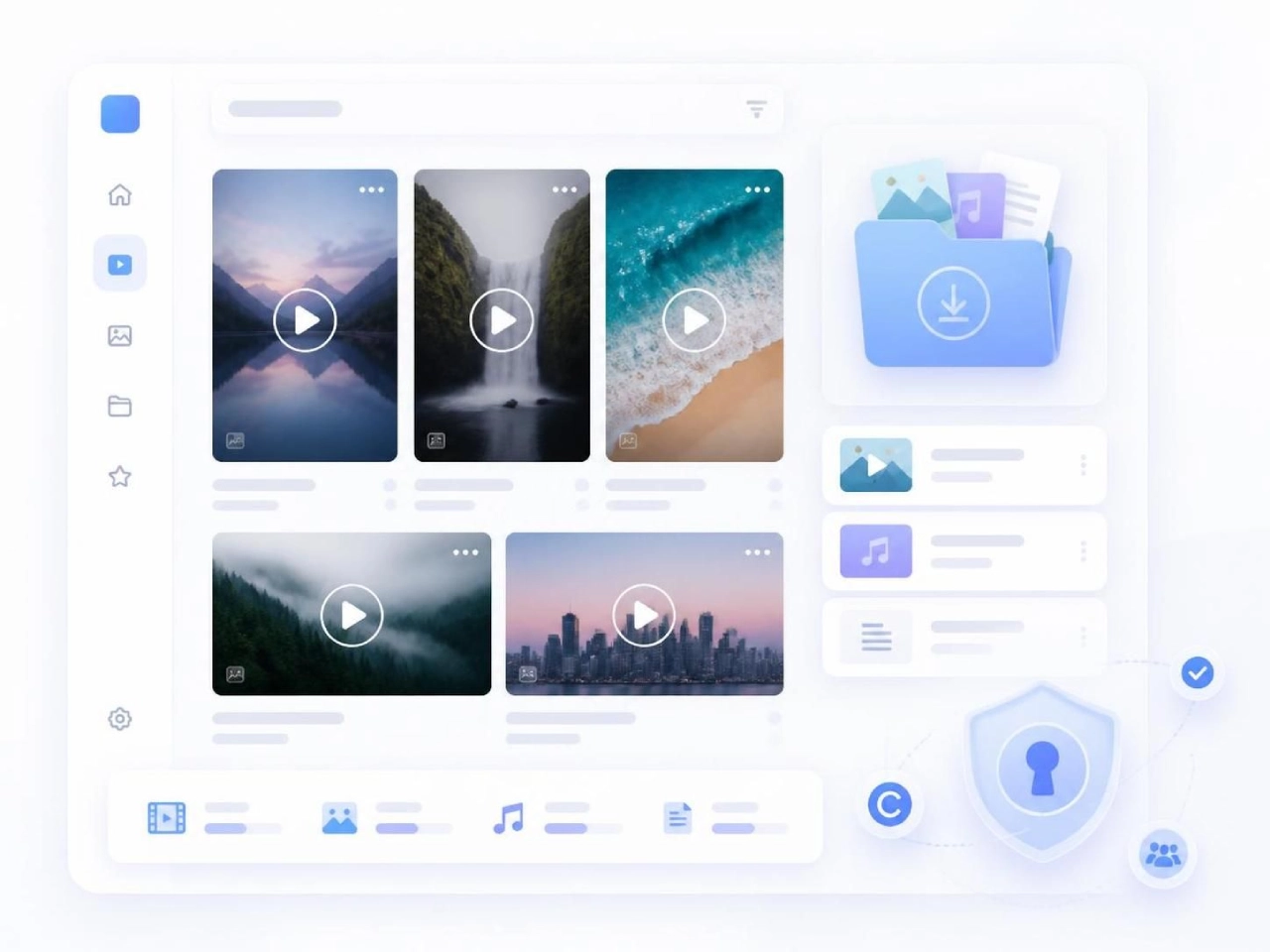
Confirm access
Only use a Reel URL that is publicly accessible and that you are entitled to save.
Protect your account
Do not share passwords, verification codes, or private account information when downloading a video.
Reuse with permission
Ask the creator before reposting, editing, or incorporating their work into marketing materials.
Save public Facebook Reels with a clearer workflow
Paste a valid public Reel link, review the available result, and download content only when you have the right to save and use it.
Use the Facebook Reel Downloader