





01
Facebook Stories
Use a Facebook Story URL as the starting point for supported Story media. This is useful when you need a local copy of content that may otherwise have limited availability inside Facebook.
Use FbSaver for free facebook story download, video, Reel, and audio saving. Paste a supported Facebook URL and choose an available format online
The most reliable Facebook media downloader on the web, built for ultra-fast performance and top quality.
Download Facebook videos in original highest quality (1080p, 2K, 4K) with synchronized crystal-clear audio.
Support downloading multiple story slides, Reels, and profile highlights with full photo and video album support.
Works seamlessly in your web browser across iOS, Android, macOS, and Windows with zero software installation.
FbSaver.cc is an online Facebook media downloader built for saving supported videos, Stories, Reels, and audio from a browser. Instead of installing another desktop or mobile application, you can start with a Facebook URL, paste it into the downloader, and choose an available media format for your device.
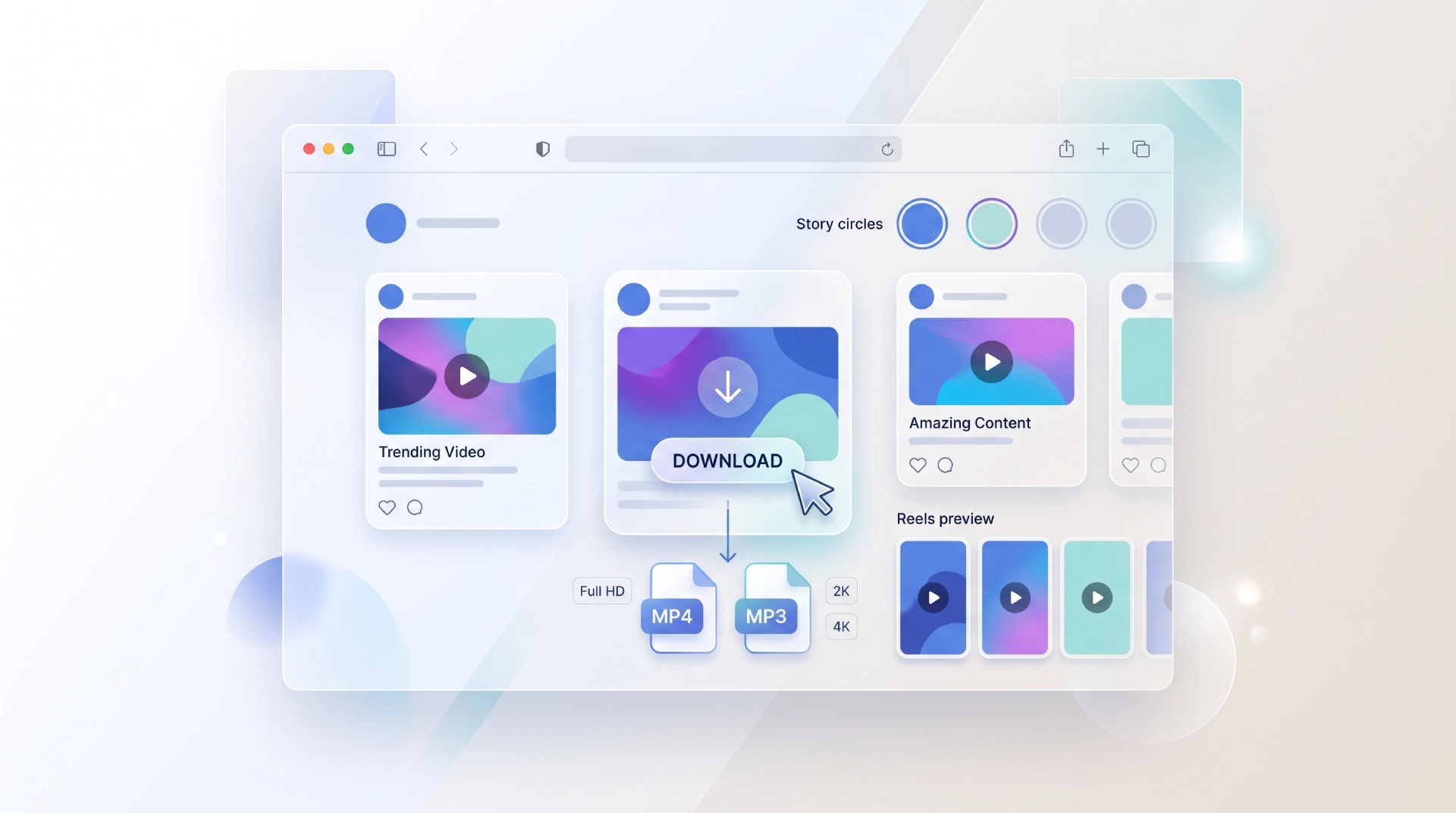
On this page
What you can do
Different Facebook posts need different saving workflows. A Story may be temporary, while a Reel or long-form video can be easier to manage as a standard video file. FbSaver.cc brings these use cases into one browser-based experience so you can start from a supported URL and work with the media options available for that content.
Use a Facebook Story URL as the starting point for supported Story media. This is useful when you need a local copy of content that may otherwise have limited availability inside Facebook.
Save supported Facebook videos as downloadable media rather than relying on repeated in-platform playback. Available resolution options can vary by the source media.
Reels are short-form videos, but the saving process can be similar: copy the supported URL, paste it into the downloader, and select an available output option.
When an available source supports audio extraction, you can use the MP3 option to create an audio file instead of keeping the complete video.
Depending on the source, the downloader can present video quality choices such as 1080p, 720p, and 480p, with higher-resolution options described for supported media.
A browser-based workflow keeps the process simple. You can use the same basic URL-and-download approach from a compatible desktop or mobile browser without adding a dedicated downloader application.
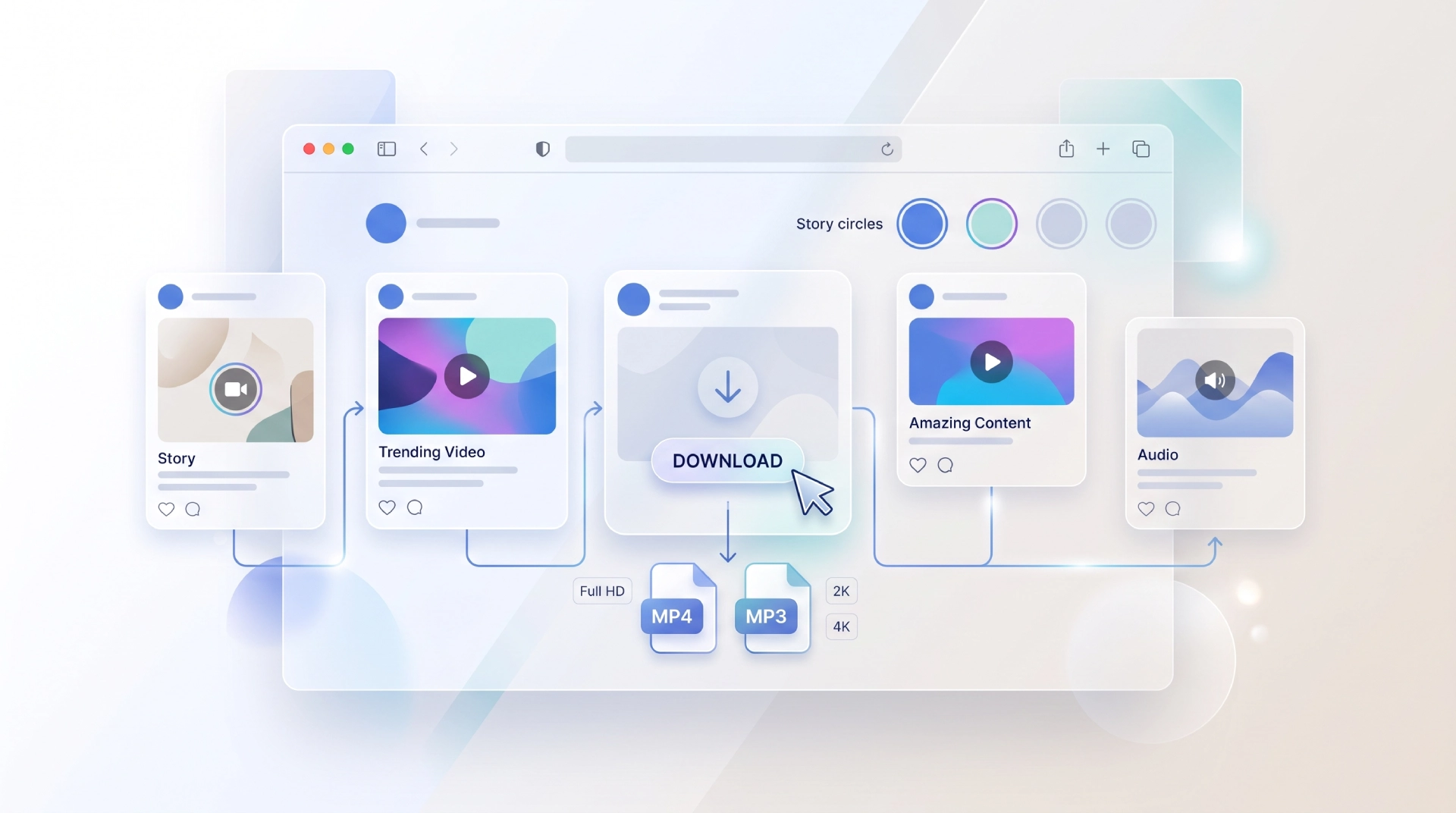
Why use an online downloader?
Online downloading is useful when you want a direct workflow with fewer setup steps. Rather than switching between different applications for Stories, Reels, videos, and audio, you can begin from the same basic process and select the output that matches your use case.
Less setup: work directly from a browser rather than installing a separate downloader application.
One workflow: use the same copy-link and paste-link process for compatible Facebook media.
Flexible output: select an available video resolution or audio output according to the source.
Device-friendly: the browser workflow is designed for modern desktop and mobile usage.
Step-by-step
The process is designed around a standard Facebook share URL. Before starting, make sure you can legitimately access and save the content. Then follow the workflow below.
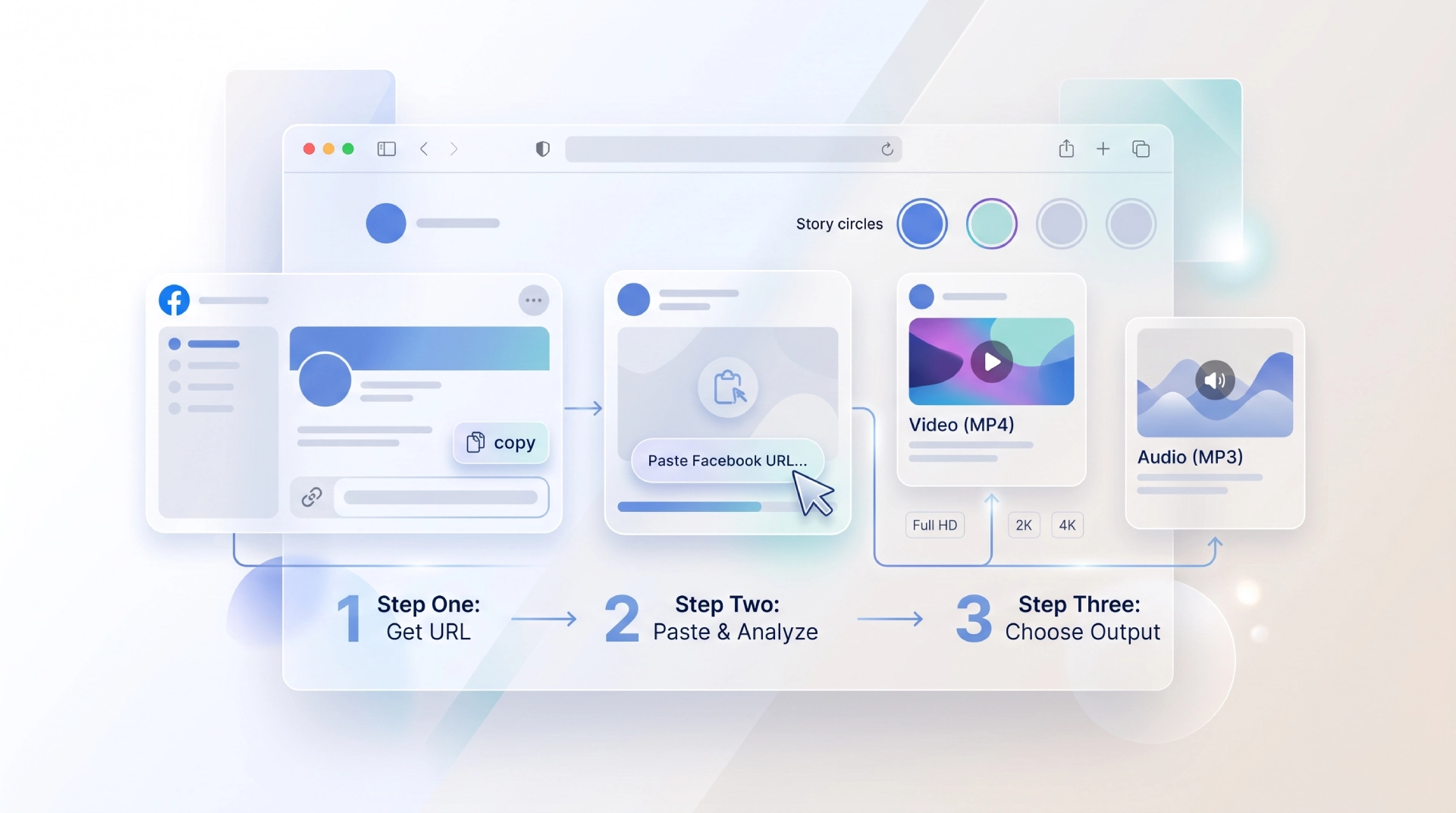
Open Facebook and locate the Story, Reel, or video you want to save. Use Facebook's sharing controls to copy the URL associated with the content.
Open FbSaver.cc and paste the copied Facebook URL into the downloader field.
Review the output choices returned for the URL. Depending on the source, options may include different video resolutions or an MP3 audio format.
Choose the output you need and save the resulting media file to your device. File naming and storage behavior can depend on your browser and operating system.
Output options
Choosing the right format depends on what you plan to do with the file. Video formats are useful for preserving the visual content, while audio extraction can be more convenient when you only need the soundtrack.
| Output | Best for | Typical choice |
|---|---|---|
| Video | Keeping the complete visual experience | Select the highest available resolution that fits your needs |
| 1080p | Full HD viewing and general archiving | A practical choice when available |
| 2K / 4K | Higher-resolution source media | Use when the source exposes the option and your device supports it |
| MP3 | Listening without the video track | Useful for compatible music, interviews, or spoken content |
Higher resolution can be useful when image detail matters, while a smaller video file may be preferable for storage or sharing. There is no single best format for every download, so the available source options should guide your decision.
Before you save
A downloader can make it easier to keep a copy of online media, but technical access does not automatically grant permission to reuse or redistribute someone else's content. Use downloaded media responsibly and respect the rights, privacy, and expectations attached to the original Facebook post.
Start with content that you are allowed to access and save. Availability of a URL can depend on the visibility and permissions associated with the original Facebook post.
Saving a file for personal use is different from republishing, commercializing, or distributing it. Consider the creator's rights and the applicable rules before reusing downloaded material.
Some Facebook URLs may not expose every format, quality level, or media type. A failed or limited result does not necessarily mean the downloader is misconfigured.
Keep track of where downloaded files came from and avoid sharing media more broadly than your intended use allows.
Copy a supported Facebook URL, paste it into the browser-based downloader, and choose the available format that matches your needs. Keep the workflow simple and use saved content responsibly.
Find answers to common questions about using FbSaver.